How to Make a Picture a PDF on Android
Method 1: Using Google Photos
Google Photos is a pre-installed app on most Android devices, and it offers a built-in feature to convert images to PDF format. Here’s how you can use it:
Method 2: Using Microsoft Office App
If you have the Microsoft Office app installed on your Android device, you can use it to convert images to PDF format. Here are the steps:
Method 3: Using Google Drive
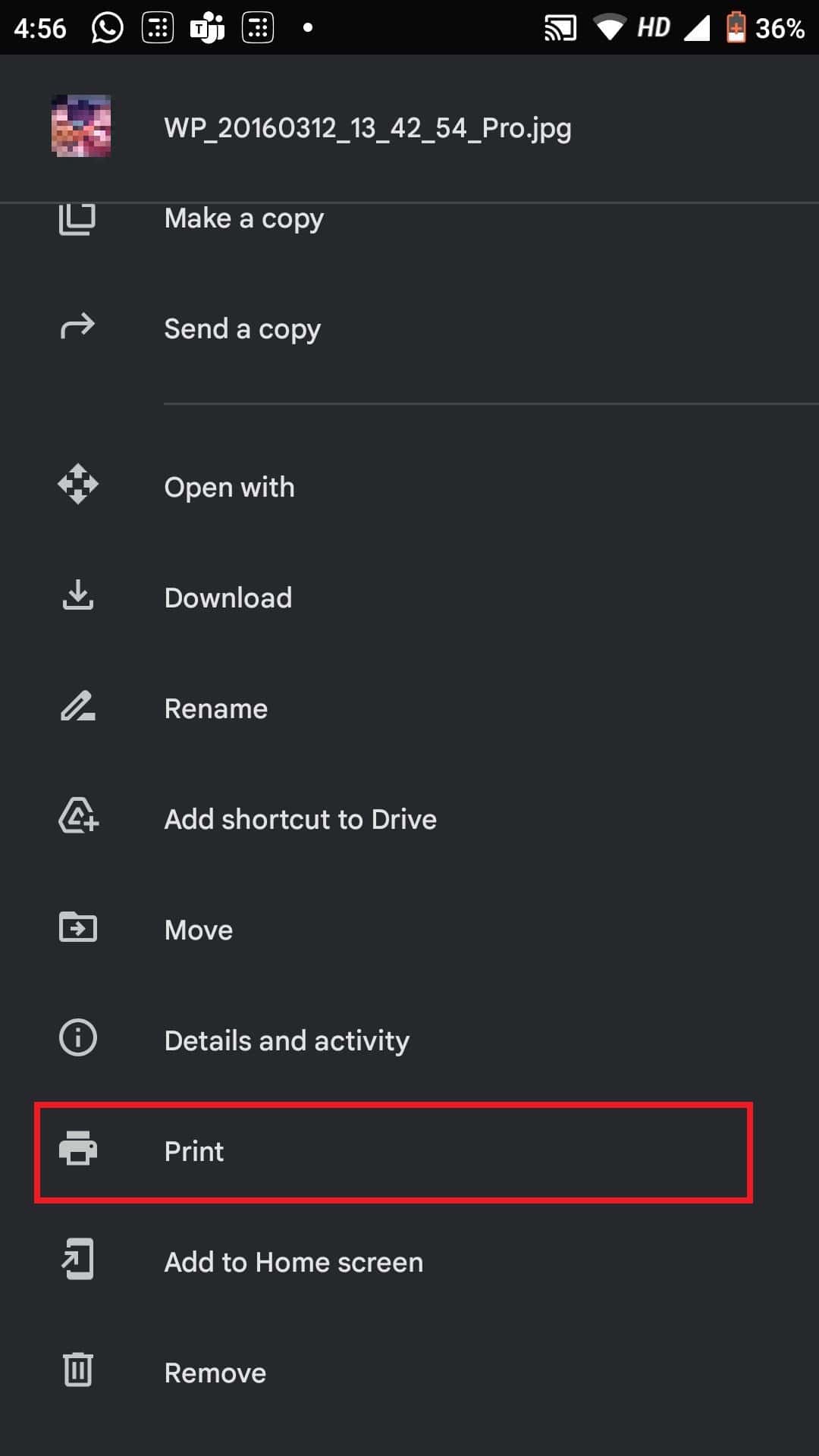
Google Drive is another handy tool for converting images to PDF on your Android device. Follow these steps:
Method 4: Using Third-Party Apps
There are numerous third-party apps available on the Google Play Store that can convert images to PDF format. Here’s how to use one such app called “Image to PDF Converter”:
Method 5: Using Online Converters
If you prefer not to install any additional apps, you can use online converters to convert images to PDF format on your Android device. One popular option is SmallPDF: Also Read: What is MMI Code on Android Device? Whether you prefer using built-in apps like Google Photos or Microsoft Office, cloud services like Google Drive, third-party apps, or online converters, you can easily make a picture a widely accepted and shareable PDF format. If you have any queries or suggestions, do let us know in the comments section below.