Does Messenger Notify When You Unsend a Message?
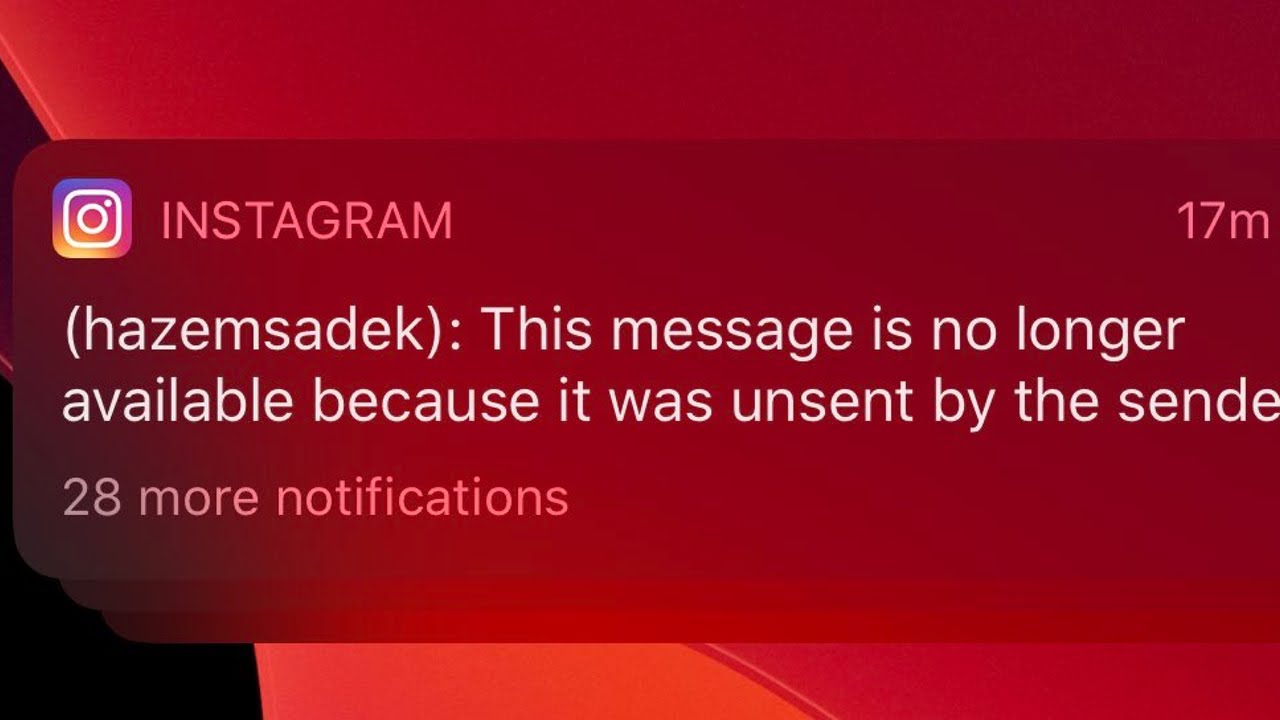
There might be situations when you would have sent a message on Messenger, only to immediately regret it. Sometimes we accidentally send a message to the wrong person or even make typos that change the intended meaning of the text. Unsending a message allows you to retract and remove it from both sides. However, yes, the recipient receives a notification when a message is unsent on Facebook Messenger.
How to Unsend Messages in Facebook Messenger
Follow the steps to unsend a message in Facebook Messenger:
Open Messenger and locate the message that you want to unsend.
Tap and hold on to it.
Tap on the three horizontal dots icon (More) at the bottom of the screen.
From the pop-up menu, select Remove.
Now tap on Unsend.
Once removed, a message will be displayed in the chat indicating that you’ve unsent a message. Recommended: How to Know Who Deleted a Message on Instagram The unsend message feature successfully adds a layer of flexibility and peace of mind to users’ messaging interactions. We hope now you know if Messenger notifies the recipient when you unsend a message. If you have queries or suggestions, let us know in the comments.